With VITRINEMEDIA, you can customize your NFC sticker to stick on your shop window!
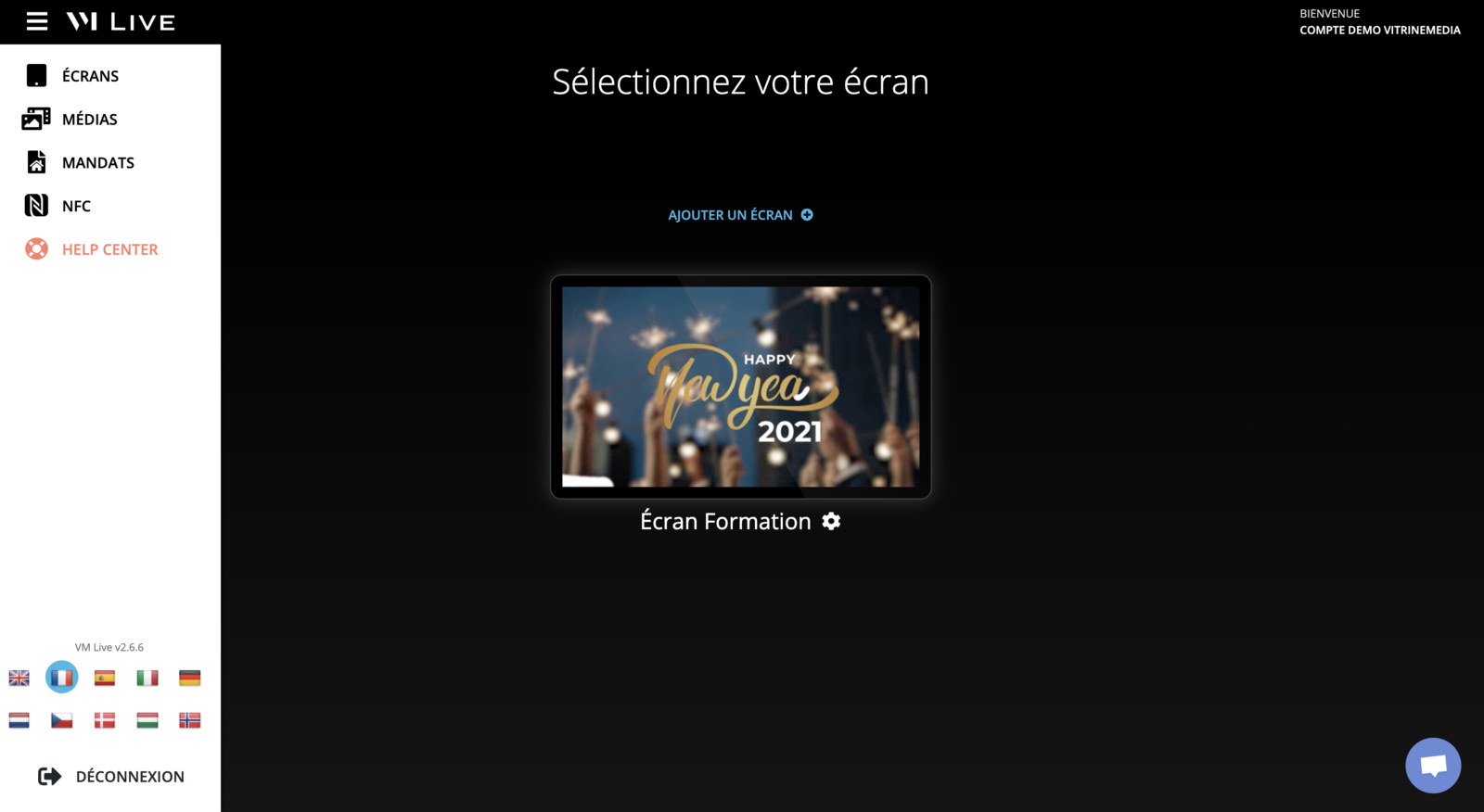
You will find in the menu a button to access the NFC page
Here are the steps to follow to properly configure your NFC sticker:
First of all you need to access the NFC page from VM LIVE
Click theManage your NFC chipsbutton.
Click the "EDIT" button of the selected chip.
Edit the name of your NFC sticker as you wish.
Fill the "URL of your chip" field with the wanted link. Your customers will be redirected to this page when they read the chip with their mobile phone.
And that's it 🎉
If you have not received your VITRINEMEDIA NFC sticker, you can request it from your VITRINEMEDIA Sales Advisor or from our support department at hello@vitrinemedia.com
Where is NFC used?
NFC works thanks to a chip that allows the exchange of information between two equipped devices. In our case here, it is the exchange of information between your VITRINEMEDIA NFC sticker and the mobile phone of passers-by in the street.
Quite simply, using their mobile phone, they will be redirected to the website of your choice.
Is my phone NFC compatible?
On iPhone
With the upgrade to iOS 13, all iPhones 7 and above are capable
of reading and writing an NFC Tag.
As far as the iPhone is concerned, iOS has no native support to read NFC Tags and perform actions on the local device. An application must be installed to perform these actions. In addition, the application must also be open, otherwise the Tags will not be detected.
One of the application available for reading tags with an iPhone isNFC TagInfo by NXP.
On an Android phone
By default on Android, NFC is disabled. To activate it,
you must perform the following manipulations :
Go to "Settings".
Go to "Wireless and networks" section
Check the box to activate NFC
You also have the possibility to download the Android application:NFC TagInfo by NXP.
All you have to do is bring your phone close to the NFC chip to read it.