To add an App to your Visibble Display space, You first need to click on the "Create a new ad" button.
You will have the following options: split screen, connected services, mandates, or media. Please click the "Connected Services" button.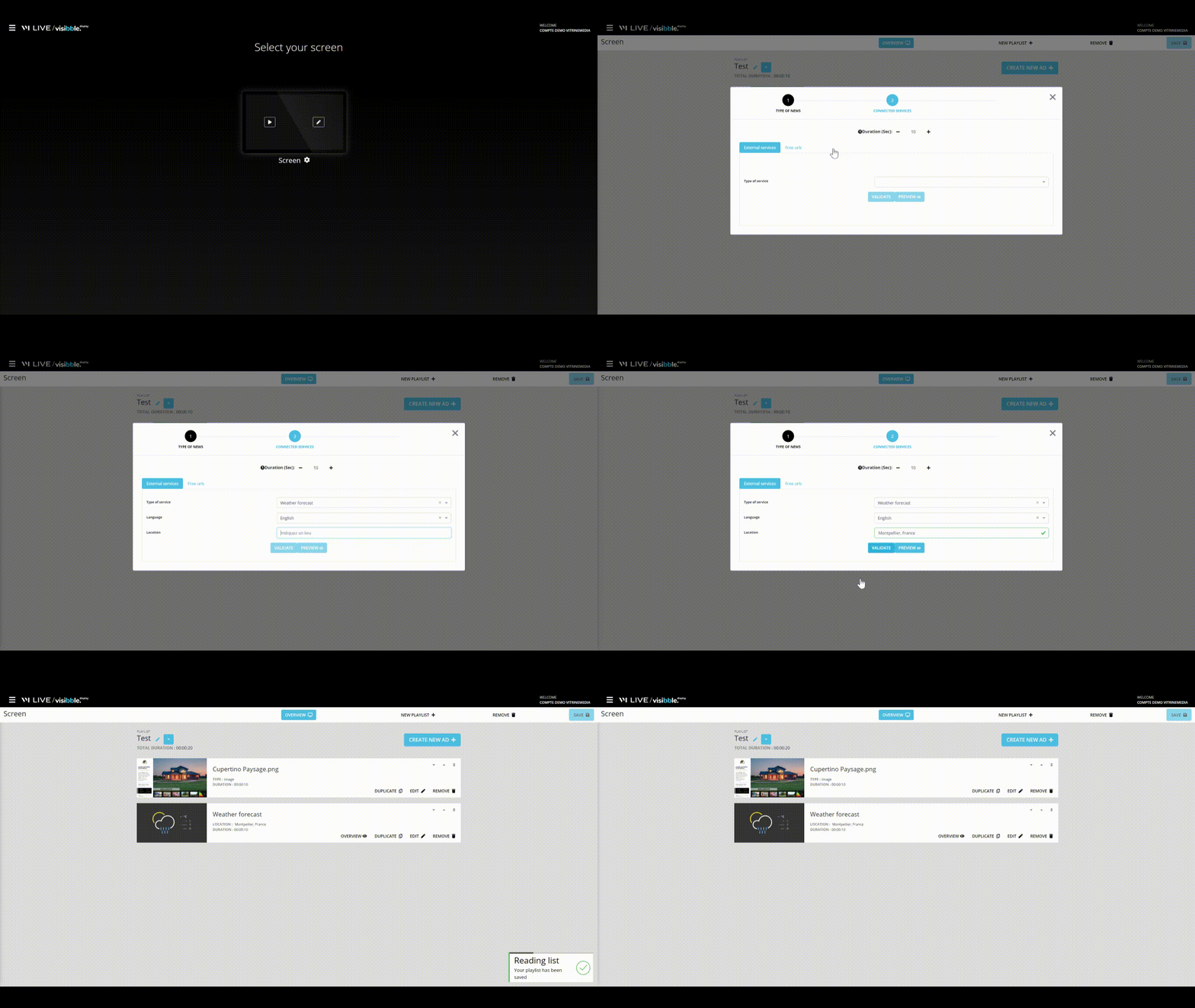
All you have to do is select your VM APP! 🎉
You can then add various connected services: weather, horoscope, Opnion System notices, or a free URL.
Discover all the VM Apps available by visiting our dedicated articles!
Visibble Display - Add a VM App (connected service)
- Updated