To access the shared library, you need to go to the menu, then click on the "Media" button.
By default you will find yourself on your own library. You can access these options:
your images
your videos
your PDF files
You can add more medias by clicking on the UPLOAD MEDIAS button.
| Visibble Display will convert your medias, while maintaining their quality and resolution, so that it plays correctly on your screen! |
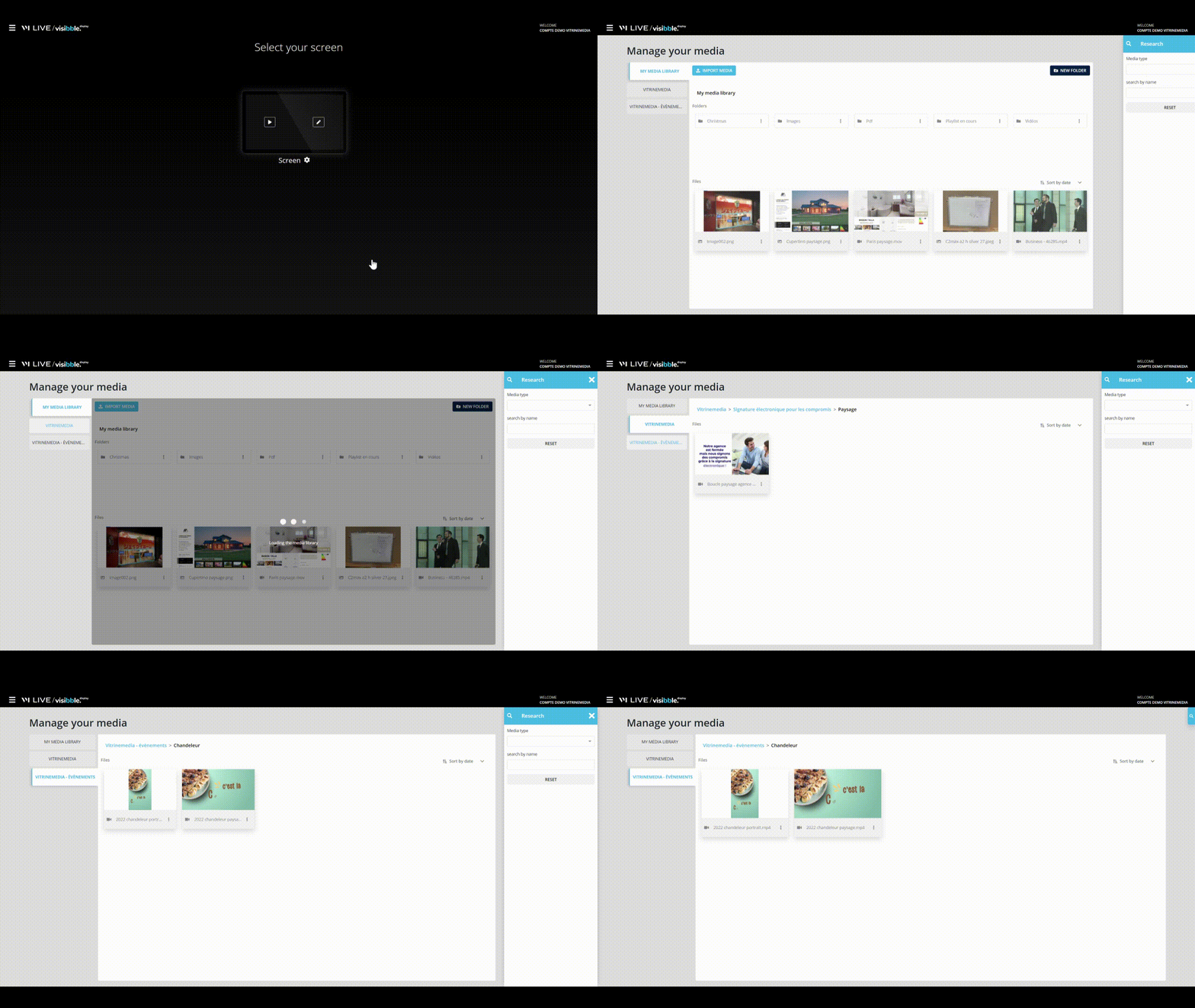
You will also find other tabs, like in the example above, VITRINEMEDIA tab. By clicking on this new tab, you can access all the media offered by your network or by VITRINEMEDIA.
You have the possibility to search via the filter options available on the right-hand side of your screen.