To access the menu of your Visibble Display space, click on the Burger icon ( ☰ ) :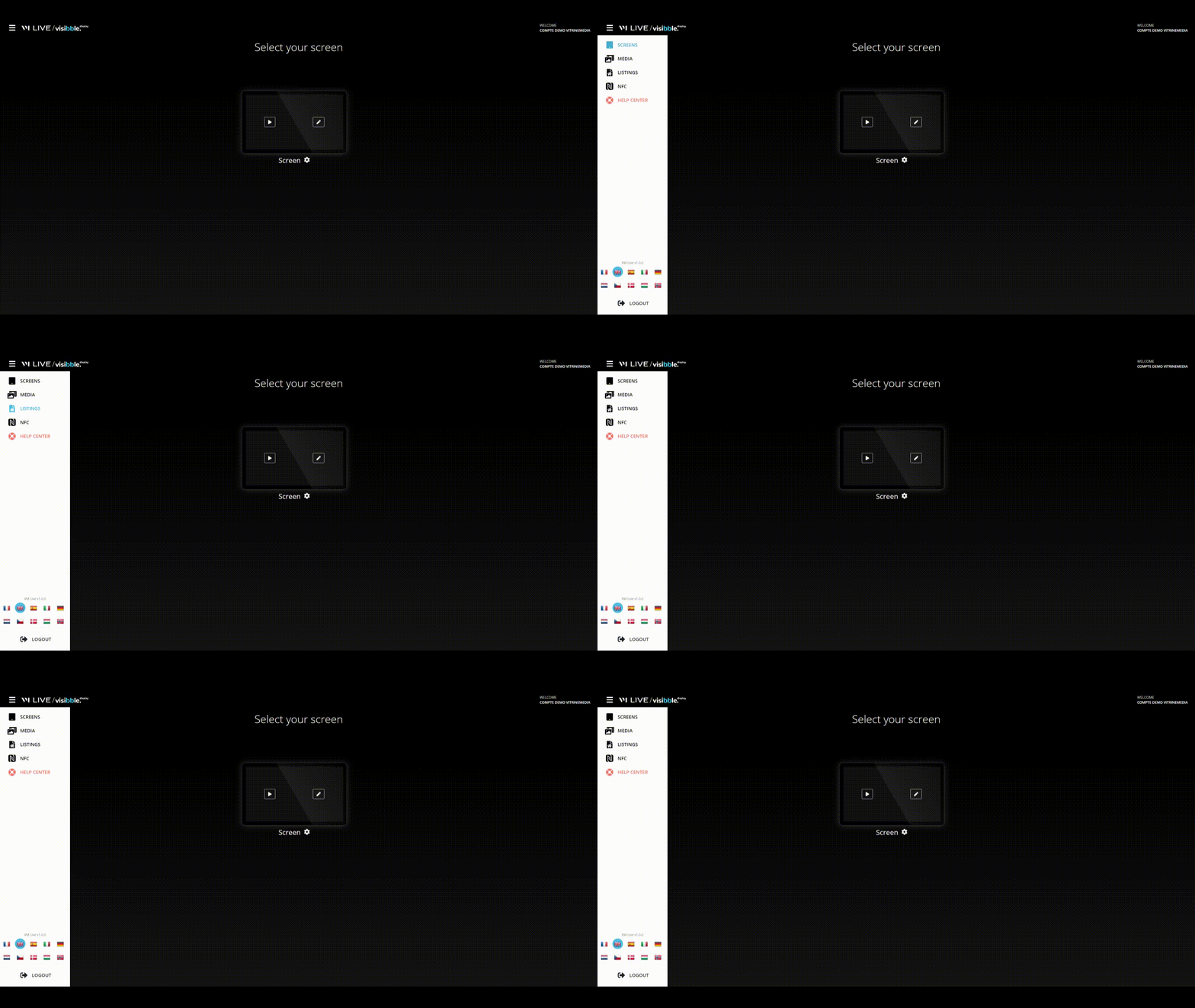
You will find several options:
Screen management
Media management
The visualization of your mandates
The management of your NFC stickers
How do I access the HelpCenter? (normally you are already there 😋)
At the bottom of the menu, you will also be able to change the language of your Visibble Display space.
Visibble Display - Navigate the menu
- Updated