The first step is to connect to VMLive. To access it, go to the following URL: https://vmlive.vitrinemedia.com/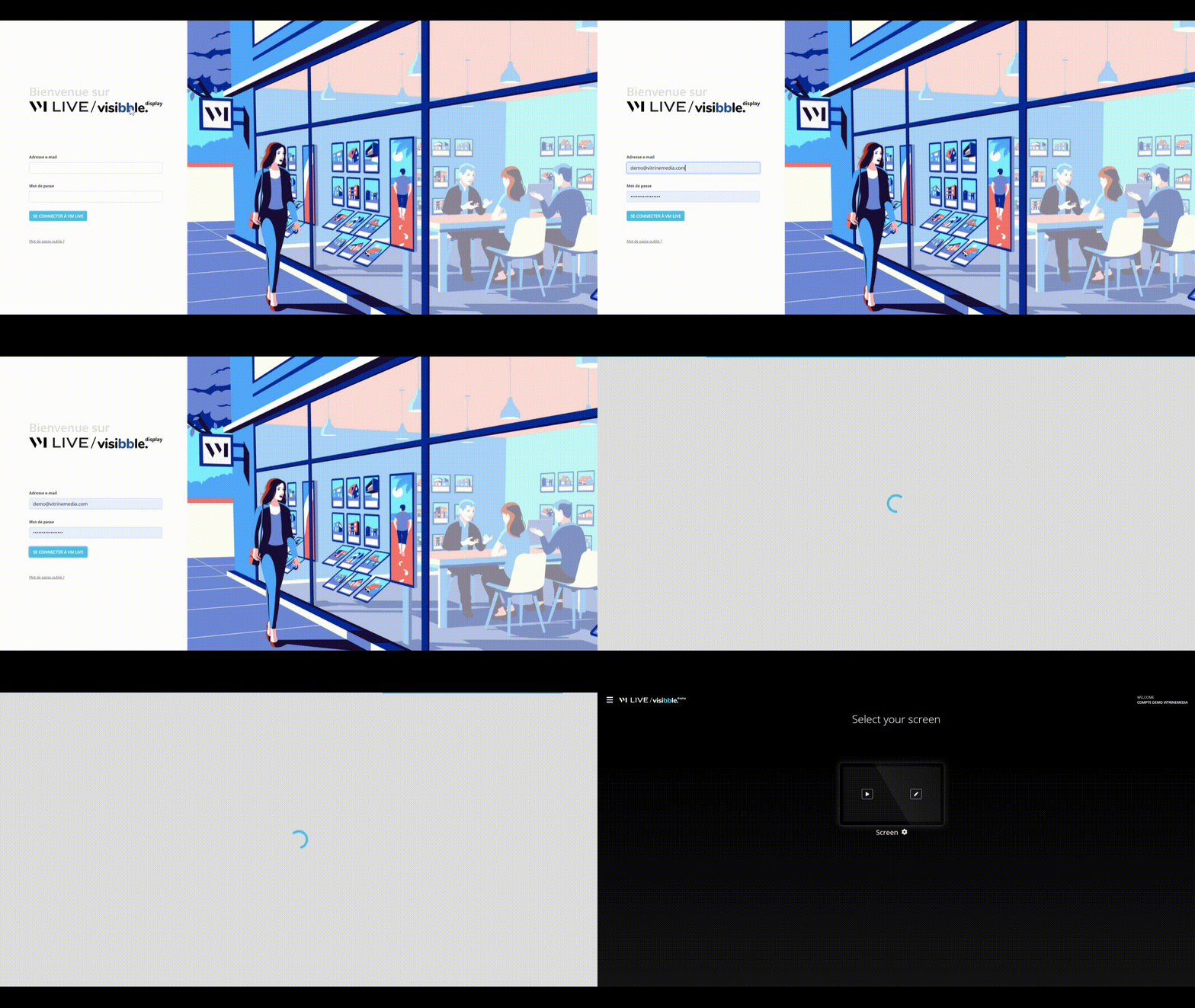
You will then be redirected to your home page. The first time you log in, no screen will be assigned: please refer to the previous chapter entitled: Assigning your screen.
If you have at least one screen assigned, it will appear on your home page. The images, videos, and mandates showing in the playlist match what is displayed on your screen.
Warning: this is only a preview, it is not live on the screen in the shop window.
Visibble Display - How to connect ?
- Updated